Discover, Compare & Master Find the best AI tools for your next project in seconds. Check our latest AI insights

SaneBox

Verified

SaneBox review covering pricing, AI inbox filtering, smart folders, prioritization, pros & cons, and expert verdict for smarter email management in 2026.

4.4/5 editorial rating 812 upvotes
  • Main category: writing
  • Subcategory: AI Email Assistant
  • Pricing: Freemium
  • Web
  • Best For Professionals, executives, remote workers, anyone overwhelmed by email
  • Free Trial Yes
  • Reviewed By arbaazkhan
  • Last Updated March 4, 2026

Editorial note: ratings and verdicts on this page are internal editorial assessments, not third-party user review averages.

SaneBox

SaneBox Verdict

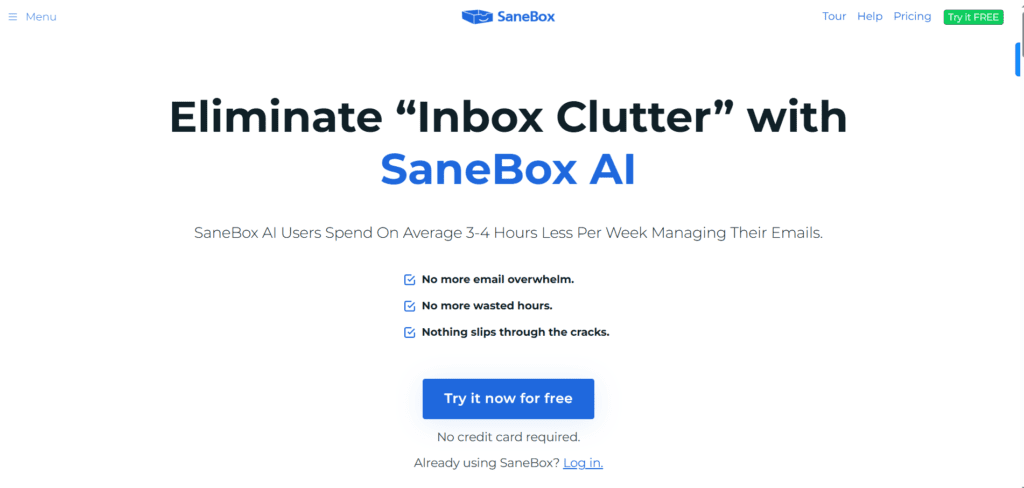
The Daily AI Tools experts found that SaneBox is a powerful email automation tool that helps users regain control of busy inboxes without changing email clients. Its AI-assisted filtering and snooze tools work quietly in the background to highlight what matters and file the rest. SaneBox delivers consistent performance with minimal effort

What Is SaneBox?

SaneBox is an intelligent email management tool designed to help users achieve better email productivity by leveraging AI-driven sorting and prioritization. It integrates with your existing inboxes like Gmail, Outlook, Apple Mail, and IMAP accounts. Works with smart algorithms to analyze incoming emails, rather than functioning as a standalone email client messages.

Using NLP and pattern recognition, SaneBox learns which emails matter most and automatically moves less important ones to folders like SaneLater, SaneNews, and SaneBulk. It also offers features such as email snoozing, reminder settings for follow-ups, and automatic attachment archiving to help you focus on what matters most.

Since it integrates with your email provider, you retain your familiar interface while gaining AI-powered organization and automation. This makes SaneBox especially useful for professionals, remote workers, consultants, and anyone who struggles with inbox overload and wants to reduce time spent on repetitive email sorting tasks.


Review Summary

  • Performance Score A
  • Content Quality High
  • Interface User-Friendly
  • Ai Technology AI inbox prioritization, pattern detection, and NLP message classification
  • Purpose Busy professionals, executives, and anyone overwhelmed by email volume
  • Compatibility Gmail, Outlook, Apple Mail, IMAP email services
  • Pricing Summary Free limited usage + Subscription Plans

SaneBox Key Features

  • 1

    AI Email Filtering & Prioritization

  • 2

    SaneBlackHole

  • 3

    SaneLater Folder

  • 4

    Custom Filtering Recipes

  • 5

    Email Snoozing & Reminders

  • 6

    Digest & Summary Reports

  • 7

    Attachment and Link Management

  • 8

    Integration with Calendar & Tasks

Who Should Use SaneBox?

SaneBox review covering pricing, AI inbox filtering, smart folders, prioritization, pros & cons, and expert verdict for smarter email management in 2026.

Is SaneBox Worth It?

SaneBox offers a free starting point, while paid plans may make sense for heavier or team-based use.

Pros And Cons

Pros

  • Significantly reduces inbox clutter
  • Works with existing email providers and clients
  • AI prioritization adapts over time
  • Powerful snooze and reminder functions
  • Custom filtering and unsubscribe tools

Cons

  • Not a full email client replacement
  • Some advanced features require higher subscription tiers
  • More useful for high-volume email users than casual users

SaneBox Pricing

Snack

$3.49/Month

  • 1 Email account
  • 2 SaneBox Features
  • Email, Chat Support

Lunch

$5.99/Month

  • 2 Email accounts
  • 6 SaneBox Features
  • Email, Chat Support

Dinner

$16.99/Month

  • 4 Email accounts
  • All SaneBox Features
  • Email, Chat & Phone Support

Frequently Asked Questions