Editorial note: ratings and verdicts on this page are internal editorial assessments, not third-party user review averages.
Qwilr Verdict
Based on the performance testing, the Daily AI Tools experts stated that Qwilr AI is a highly professional proposal automation tool. During testing, the AI proposal creator produced structured, on-brand proposals with minimal manual editing required. The tool has an interactive web-based format that stands out compared to static PDFs. CRM integrations and automation workflows greatly reduce repetitive sales work. While pricing may feel premium for solo users, but justify the cost for growing teams. Overall, Qwilr AI is a powerful sales enablement tool that accelerates proposal creation.
What Is Qwilr?
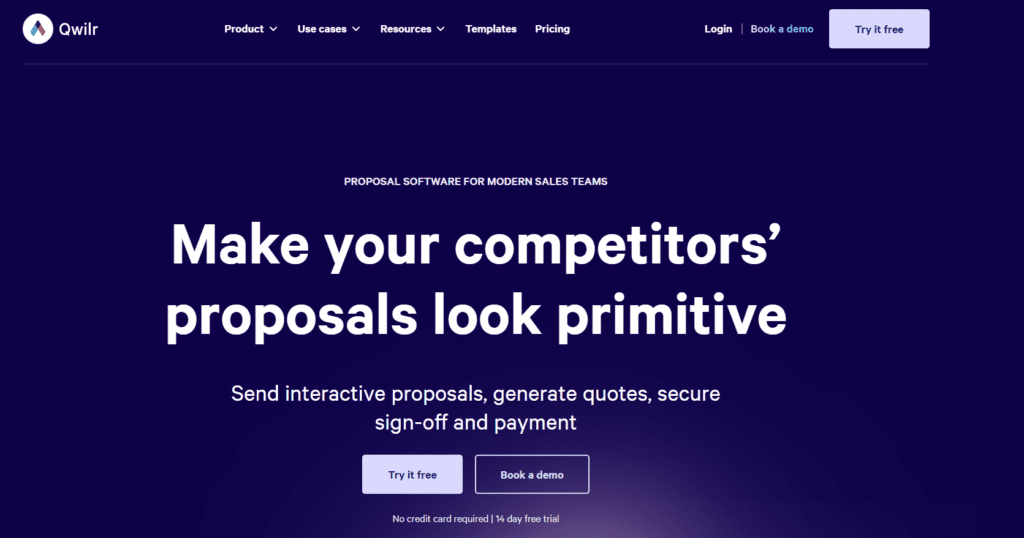
Qwilr AI is a proposal and sales document tool that helps businesses create interactive proposals, quotes, and client documents. The tool ideally transforms traditional PDFs into dynamic proposal pages that improve engagement and conversions.
The platform operates on the AI proposal generation models. These models analyze website content, business messaging, and proposals to generate structured proposals. Qwilr AI stands out for its automation, personalization, and interactive functionality, such as embedded pricing and analytics tracking.
The tool is best suited for sales teams, agencies, and service businesses to streamline proposal creation.
Review Summary
Performance ScoreA
Content QualityProduces structured, professional, and conversion-focused proposals.
InterfaceClean drag-and-drop editor with intuitive navigation.
Ai TechnologyAI proposal creator builds pages using website and business data.
PurposeAutomates proposal creation, approvals, and payment collection.
CompatibilityIntegrates with CRM, payment, and accounting platforms.
Pricing SummaryMid-to-premium pricing for business teams.
Qwilr Key Features
1
AI Proposal Generator
2
Interactive web-based proposals
3
Built-in e-signatures
4
QwilrPay payment collection
5
CRM integrations
6
Proposal analytics & engagement tracking
7
Automation workflows and personalization tokens
8
Content templates and reusable blocks
Who Should Use Qwilr?
Qwilr AI is a proposal and sales document tool that helps businesses create interactive proposals, quotes, and client documents.
Is Qwilr Worth It?
Qwilr is a paid product, so value depends on whether its features, performance, and workflow justify the cost.
Pros And Cons
Pros
Creates interactive proposals instead of static documents.
AI significantly reduces proposal creation time.
Strong CRM and payment integrations.
Detailed analytics on buyer engagement.
Professional design without requiring design skills.
Cons
Pricing may be high for freelancers or small users.
Advanced features locked behind higher plans.
Requires learning workflow setup initially.
Limited offline functionality due to web-based nature.
Enterprise plan minimum seat requirements.
Qwilr Pricing
Business
$39/month
Content editor
e-sign
QwilrPay
Pricing & quotes
Page analytics
HubSpot CRM
Notifications
Integrations with HubSpot, Pipedrive, and Zoho CRM
Enterprise
$59/month
Everything from business, plus:
Account manager
Custom branding
Team permissions
Identity verification
Domain-restricted access
Template-level settings
Frequently Asked Questions
Yes, Qwilr AI offers a 14-day free trial with full access to Business plan features.
Yes, Qwilr AI proposal generator can create proposals using your business details.
Yes, legally compliant e-signatures are built directly into proposals.
Yes, QwilrPay allows customers to pay directly within the proposal page.
Qwilr AI is ideal for sales teams, agencies, consultants, and businesses that frequently send proposals and want automated workflows.