Discover, Compare & Master Find the best AI tools for your next project in seconds. Check our latest AI insights

Scribe

Verified

Scribe review covering AI documentation features, pricing, automation tools, and how to create step-by-step guides instantly.

4.8/5 editorial rating 845 upvotes
  • Main category: business
  • Subcategory: AI Documents Assistant
  • Pricing: Freemium
  • Web
  • Best For Creating SOPs, training guides, onboarding documentation, and process workflows.
  • Free Trial Yes
  • Reviewed By arbaazkhan
  • Last Updated March 18, 2026

Editorial note: ratings and verdicts on this page are internal editorial assessments, not third-party user review averages.

Scribe

Scribe Verdict

The Daily AI Tools experts found that Scribe is one of the most efficient AI documentation tools for capturing workflows and converting them into step-by-step guides automatically. Its ability to record actions and generate structured documentation reduces manual effort significantly. Overall, Scribe stands out as a highly practical AI tool for process documentation and workflow automation.

What Is Scribe?

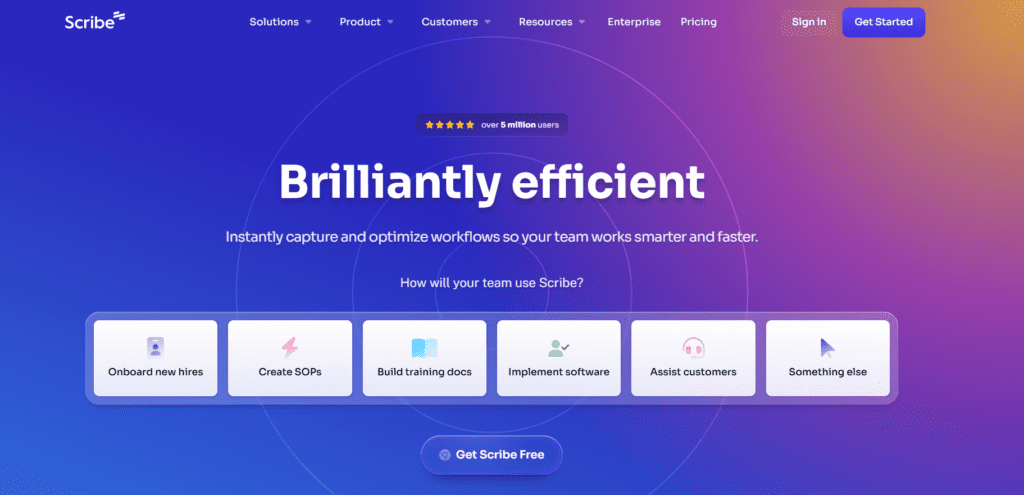
Scribe is an AI-powered documentation tool that automatically creates step-by-step guides by recording user actions on screen. The platform works by tracking clicks, inputs, and navigation while a user performs a task. It then converts this activity into a structured guide with screenshots, instructions, and annotations.

You can use it for process documentation, standard operating procedures (SOPs), training manuals, onboarding guides, and knowledge base content. The tool uses automation and AI-assisted content generation to produce clear and organized documentation. It captures workflows in real time and transforms them into shareable, editable documents.

Moreover, Scribe AI allows edit instructions, add branding, redact sensitive data, & embed guides into other platforms Because of this approach, Scribe functions as an AI productivity tool that simplifies documentation and knowledge sharing. It helps individuals and teams save time while maintaining consistent and professional documentation.


Review Summary

  • Performance Score A+
  • Content Quality High
  • Interface User-Friendly
  • Ai Technology workflow capture automation, AI-assisted text generation, screenshot-based instruction mapping, browser activity tracking, process visualization systems, document structuring algorithms
  • Purpose process documentation, SOP creation, employee onboarding guides, training documentation, internal knowledge bases, workflow automation
  • Compatibility Windows & macOS. Also integrates with: Google Docs, Notion, Confluence, Slack
  • Pricing Summary Free tier + Seat-Based Monthly Subscription

Scribe Key Features

  • 1

    Automatic Step-by-Step Guide Creation

  • 2

    Screen Capture with Instructions

  • 3

    AI-Assisted Documentation

  • 4

    Workflow Recording

  • 5

    Customizable Guides

  • 6

    SOP Creation Tool

  • 7

    Secure Data Redaction

  • 8

    Easy Sharing & Embedding

  • 9

    Team Collaboration

  • 10

    Integration Support

  • 11

    Visual Documentation Output

  • 12

    Browser Extension Support

Who Should Use Scribe?

Scribe review covering AI documentation features, pricing, automation tools, and how to create step-by-step guides instantly.

Is Scribe Worth It?

Scribe offers a free starting point, while paid plans may make sense for heavier or team-based use.

Pros And Cons

Pros

  • Automatically generates step-by-step documentation in seconds.
  • Extremely easy to use with minimal setup.
  • Saves time compared to manual documentation.
  • Ideal for teams and knowledge sharing.

Cons

  • Advanced features require paid plans.
  • Limited customization compared to full documentation platforms.
  • Requires manual editing for highly complex workflows.

Scribe Pricing

Free

  • Works with any web app
  • Quick customizatios
  • Shareable with link & embed

Pro Team

$17/Seat/Month

  • Works with web, mobile & desktop apps
  • Customize with company branding
  • Edit and redact screenshots
  • Export to PDF, HTML, and Markdown
  • Collaborate with your team using comments
  • Great value for teams of 3+

Pro Personal

$35/Seat/Month

  • Works with web, mobile & desktop apps
  • Customize with company branding
  • Edit and redact screenshots
  • Export to PDF, HTML, and Markdown

Frequently Asked Questions