Discover, Compare & Master Find the best AI tools for your next project in seconds. Check our latest AI insights

Krikey AI

Verified

Krikey AI review covering features, pricing, and AI animation tools. Create avatar animations, motion capture videos, and storytelling content easily.

4.6/5 editorial rating 720 upvotes
  • Main category: video
  • Subcategory: AI Animated Video
  • Pricing: Freemium
  • Web
  • Best For AI animation generation, avatar animation, storytelling videos, gaming animations, and social media animated content
  • Free Trial Yes
  • Reviewed By arbaazkhan
  • Last Updated March 11, 2026

Editorial note: ratings and verdicts on this page are internal editorial assessments, not third-party user review averages.

Krikey AI

Krikey AI Verdict

The Daily AI Tools experts found that Krikey AI is a fast, accessible platform for creating animated avatars and storytelling videos. Its AI engine enables users to produce character animations without manual rigging or complex tools. It's ideal for creators needing quick animated scenes for social media, marketing, or education. Overall, Krikey AI balances automation, creativity, and usability for modern AI animation workflows

What Is Krikey AI?

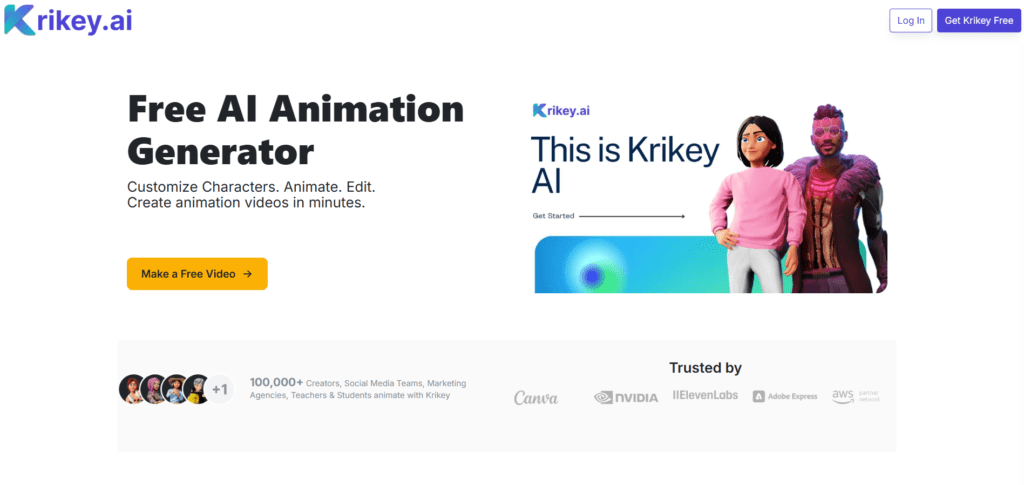
Krikey AI is an AI-powered animation platform that enables users to create animated characters, avatar videos, and storytelling animations. The tool allows creators to generate animated scenes by applying motion-capture animations, character actions, and visual effects directly in a browser-based editor. This makes it possible to produce animated content without traditional animation skills or specialized software.

The platform combines AI animation technology, character animation tools, and motion libraries to help users quickly generate expressive animated avatars. Users can select pre-built characters, apply motion capture animations, and customize scenes for storytelling, marketing videos, or educational content. This workflow significantly reduces the time normally required for animation production.

Krikey AI, a cloud-based platform, lets users create animated videos from any device without heavy software. It's designed for quick, flexible content creation, making it popular for social media, gaming, educational stories, and marketing.

Review Summary

  • Performance Score A+
  • Content Quality High
  • Interface User-Friendly
  • Ai Technology AI-powered character animation, Motion capture animation library, Machine learning animation generation, Natural language processing for scene creation, AI motion blending systems, Cloud-based animation rendering
  • Purpose AI avatar animation, Animated storytelling videos, Social media animation content, Marketing animation videos, Educational animated lessons, Gaming character animations, Interactive storytelling content
  • Compatibility Windows, macOS, Linux, Mobile Browser
  • Pricing Summary Free + Subscription models

Krikey AI Key Features

  • 1

    AI Character Animation

  • 2

    AI Animation Automation

  • 3

    Motion Capture Animation Library

  • 4

    Character Customization

  • 5

    Avatar Animation Creation

  • 6

    Social Media Animation Creation

  • 7

    Scene-Based Animation Builder

  • 8

    Cloud-Based Animation Rendering

  • 9

    Storytelling Animation Tools

  • 10

    Animation Templates

  • 11

    Video Export Options

  • 12

    Beginner-Friendly Interface

  • 13

    Game Animation Support

  • 14

    Rapid Content Creation

Who Should Use Krikey AI?

Krikey AI review covering features, pricing, and AI animation tools. Create avatar animations, motion capture videos, and storytelling content easily.

Is Krikey AI Worth It?

Krikey AI offers a free starting point, while paid plans may make sense for heavier or team-based use.

Pros And Cons

Pros

  • A powerful AI animation system that allows users to create animated avatars without traditional animation software.
  • Its motion capture animation library enables realistic character movements with minimal effort.
  • Simplifies the animation workflow, allowing creators to produce storytelling videos quickly.
  • Accessible for beginners while still offering creative flexibility.

Cons

  • The free version includes limitations on export quality and animation assets.
  • Advanced animation customization options may require premium plans.
  • Large or complex animation scenes may require additional rendering time

Krikey AI Pricing

Free

  • 20 One - time Credits
  • Standard Export Formats
  • Easy-to-use 3D video editor
  • AI - Generated scripts and voice AI
  • 3D Character animation library
  • AI Video Generator plus custom background image

Pro

$15/person/month

  • 165 Monthly Credits
  • Export MP4, GIF, PNG, FBX files
  • Easily resize videos to share
  • Watermark Removal
  • AI Music Video Generator
  • AI Podcast Video Generator
  • 20 + Languages with Voice AI Tools

Team

$10/person/monthly

  • 200 Monthly Credits
  • Export MP4, GIF, PNG, FBX files
  • Easily resize videos to share
  • Watermark Removal
  • AI Music Video Generator
  • AI Podcast Video Generator
  • 20 + Languages with Voice AI Tools

Frequently Asked Questions