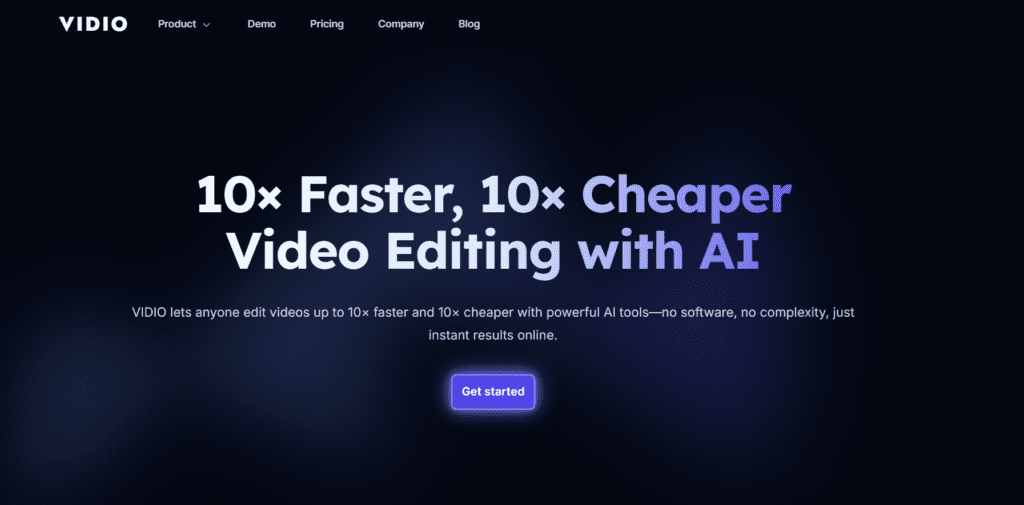
Vidio.ai is an AI video editing platform that cuts, resizes, summarizes, and enhances video content automatically. Read pricing, features, pros, cons, and user insights.
★★★★★
4.2/5 editorial rating817 upvotes
Main category: video
Subcategory: Video Generator
Pricing: Freemium
Web
Best For
Content creators, social media marketers, small businesses, educators, and podcasters who want fast AI video editing without complex software.
Editorial note: ratings and verdicts on this page are internal editorial assessments, not third-party user review averages.
Vidio Verdict
The Daily AI Tool experts concluded that Vidio.ai is an AI video editing and content automation tool. It turns hours of manual editing into minutes of automated work. The AI tools stack includes highlight selection, summarisation, social video makers, and promo generators. Overall, Vidio.ai is great for repurposing content, social clips, and marketing videos fast.
What Is Vidio?
Vidio.ai is an AI-powered video editing platform that automatically cuts, summarizes, resizes, and repurposes videos for social media, marketing, and content creation. It’s built for creators and businesses who want professional-looking videos without learning complex editing software.
Instead of manually trimming clips or adjusting formats, users simply upload a video, choose a goal (like creating short clips or promos), and let the AI handle the editing. Vidio.ai uses smart scene detection and conversational commands to produce ready-to-publish videos in minutes.
The tool is especially useful for YouTubers, marketers, podcasters, and social media managers who need fast content turnaround across platforms like TikTok, Instagram, and YouTube.
Review Summary
Performance ScoreA
Content QualityHigh
InterfaceUser-Friendly
Ai TechnologyAI Conversational editing, summarisation, and generative tools
PurposeSocial creators, marketers, repurposing long form to shorts
CompatibilityWeb-based
Pricing SummaryFree + Subscriptions
Vidio Key Features
1
AI Video Editing
2
E-Commerce AI Video Maker
3
XML Import for Editors
4
AI Video Summerizer
5
AI Conversational Video Editor
6
Multi Format Support
7
AI Social Media Video Maker
8
Auto Content Repurposing
9
AI Intro & Promo Maker
10
Cloud Storage Support
Who Should Use Vidio?
Vidio.ai is an AI video editing platform that cuts, resizes, summarizes, and enhances video content automatically. Read pricing, features, pros, cons, and user insights.
Is Vidio Worth It?
Vidio offers a free starting point, while paid plans may make sense for heavier or team-based use.
Pros And Cons
Pros
Automates tedious video editing and saves hours.
Simple drag-and-drop upload with AI prompts.
Multiple video tools (summarizer, social maker, promo) in one platform.
No software install or learning curve.
Integrates with cloud drives for easy asset access.
Export formats fit all major platforms.
Cons
Some scam-detector sites flag medium trust scores
The free plan has watermarks and feature limitations.
Full AI customisation options may feel limited for pros.
Output quality may vary based on input clarity and prompts
Vidio Pricing
Free
$0
Watermarked output
Limited features
Pro
$9.9/Month
$9.9 billed monthly
Cancel anytime
20 Credits
1 Credit = $0.49
2x-6x faster processing
No watermark
Extended specs
Extended limit
Customer support
Business
$42.9/Month
$42.9 billed monthly
Cancel anytime
400 Credits
1 Credit = $0.11
All Pro features and more
Extended specs
Extended limit
24-hour customer support
Frequently Asked Questions
Vidio.ai helps you turn long or raw videos into polished clips automatically by using AI to find the best moments, trim them, and format them for different platforms.
Yes, Vidio.ai offers a free plan so you can try the tool, test its editing features, and see how it works before upgrading to a paid plan for more credits and exports.
Instead of editing frame by frame, Vidio.ai uses AI to scan your video, pick key moments, and create ready-to-share versions in just a few minutes.
Absolutely. Vidio.ai automatically creates videos sized and paced for TikTok, Instagram Reels, YouTube Shorts, and other social platforms.
You can upload common formats like MP4 and MOV, and export your finished videos in high-quality formats that work on all major platforms.
No editing skills are needed. Vidio.ai is built for creators, marketers, and beginners who want professional results without learning complex software.