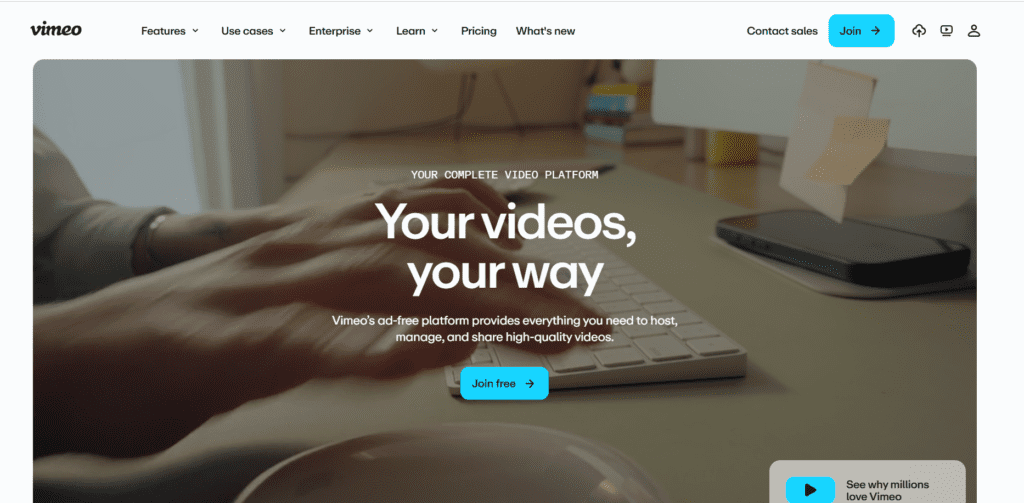
Vimeo AI helps teams create, edit, host, and share videos professionally. Explore pricing, AI features, use cases, and limitations in this in-depth review.
★★★★★
4.6/5 editorial rating753 upvotes
Main category: video
Subcategory: Video Generator
Pricing: Freemium
Web
Best For
Businesses, marketers, educators, creators, and teams who need professional video hosting, AI-assisted editing, and secure video sharing.
Editorial note: ratings and verdicts on this page are internal editorial assessments, not third-party user review averages.
Vimeo Verdict
The Daily AI Tool experts concluded that Vimeo.ai is the most reliable professional video platform enhanced with practical AI tools. From automatic captions and translations to searchable transcripts and text-based editing, Vimeo focuses on speed, clarity, and collaboration. With smart AI assistance, Vimeo remains one of the strongest choices on the market.
What Is Vimeo?
Vimeo is a professional video platform designed for hosting, managing, editing, and sharing videos without ads or algorithm-driven distractions. It’s widely used by companies and creators who want control over how their videos look, who can access them, and how they’re distributed.
Vimeo AI adds automation on top of this foundation. Users can generate captions, translate videos into multiple languages, create highlights, edit videos using text commands, and produce searchable transcripts. These features reduce editing time and improve accessibility without requiring advanced editing skills.
Rather than being a standalone AI video generator, Vimeo AI works as a workflow enhancer for polished, publish-ready videos.
Review Summary
Performance ScoreA
Content QualityHigh
InterfaceUser-Friendly
Ai TechnologySpeech recognition, AI transcription, captioning, translation, text-based video editing
CompatibilityWeb-based, mobile apps, embedded players, API access
Pricing SummaryFree + Subscriptions
Vimeo Key Features
1
AI-generated captions and subtitles
2
Advanced privacy and access controls
3
Video analytics and engagement tracking
4
Automatic video transcription
5
Multi-language translation support
6
Brand customization and white-label playback
7
Text-based video editing
8
Team collaboration and commenting
9
AI-powered video highlights and chapters
10
Customizable video players
11
Secure, ad-free video hosting
Who Should Use Vimeo?
Vimeo AI helps teams create, edit, host, and share videos professionally. Explore pricing, AI features, use cases, and limitations in this in-depth review.
Is Vimeo Worth It?
Vimeo offers a free starting point, while paid plans may make sense for heavier or team-based use.
Pros And Cons
Pros
Ad-free, professional video hosting
Accurate AI captions and transcripts
Strong privacy and access controls
Clean, brand-friendly video player
Useful AI tools for editing and localization
Built for teams and business workflows
Cons
Not a full AI video generator from text
Advanced features are locked behind paid plans
Storage limits on lower tiers
Less suitable for short-form social-first creators
Vimeo Pricing
Starter
$20
1 User
2TB Storage
Customizable video player
Password privacy & unlisted links
Review & collaboration tools New
Transfer video files
Engagement analytics
Standard
$41
5 users
4TB Storage
Everything in Starter
Branding in the player
Third-party player support
Custom watermark
Branded video gallery
Lead capture
Calls to action and custom cards
Advanced
$125
10 users
7TB Storage
Everything in Standard
Hosted livestreamed events
Events Q&A, polls, and chat
Stream to multiple destinations
DVR streaming
Scheduled simulive
Live event-level analytics
Marketing automation integrations
Frequently Asked Questions
Yes. Vimeo offers a free plan with basic video hosting, but AI features like captions and advanced editing are limited on free accounts.
Vimeo AI includes automatic captions, transcripts, translations, text-based editing, and AI-generated video highlights.
Yes. Paid plans include commercial usage rights for marketing, business, and educational content.
For businesses, yes. Vimeo offers ad-free playback, stronger privacy controls, and brand customization that YouTube doesn’t provide.
Yes. Vimeo AI can generate subtitles and translations in multiple languages, improving accessibility and global reach.
Absolutely. Vimeo includes commenting, version control, sharing permissions, and collaboration tools built for teams.