

Discover, Compare & Master Find the best AI tools for your next project in seconds. Check our latest AI insights

ClickUp Brain

Verified

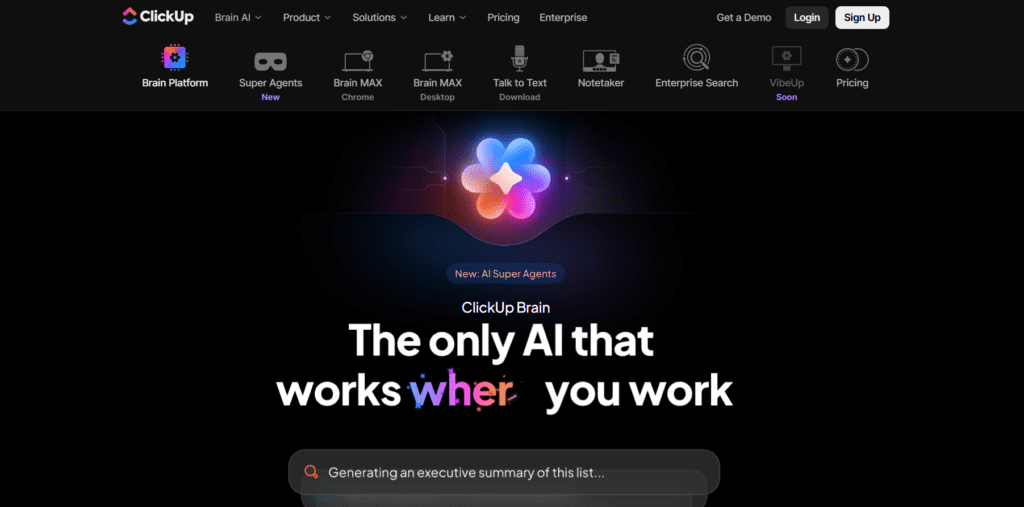
ClickUp Brain is an AI assistant integrated into the ClickUp work platform, designed to assist with tasks, project management, content writing, and knowledge retrieval.

4.5/5 editorial rating 853 upvotes
  • Main category: productivity
  • Subcategory: AI Productivity Tools
  • Pricing: Freemium
  • Web
  • Best For Project teams and businesses using ClickUp that want AI-powered automation, contextual insights, and workflow enhancements.
  • Free Trial Not available
  • Reviewed By arbaazkhan
  • Last Updated March 17, 2026

Editorial note: ratings and verdicts on this page are internal editorial assessments, not third-party user review averages.
ClickUp Brain Verdict

According to the Daily AI Tool experts, ClickUp Brain AI excels at embedding AI directly into workflows and project contexts, making task management and knowledge retrieval faster. Its multi-model support and automation features are standout strengths. The learning curve and additional costs beyond existing ClickUp plans are noticeable. On balance, it’s a compelling choice for collaborative teams that are serious about leveraging AI in project workflows.

What Is ClickUp Brain?

According to the Daily AI Tool experts, ClickUp Brain AI excels at embedding AI directly into workflows and project contexts, making task management and knowledge retrieval faster. Its multi-model support and automation features are standout strengths. The learning curve and additional costs beyond existing ClickUp plans are noticeable. On balance, it’s a compelling choice for collaborative teams that are serious about leveraging AI in project workflows.

Review Summary

  • Performance Score A
  • Content Quality Detailed and context-aware content generation
  • Interface Integrated into ClickUp, powerful but has a learning curve
  • Ai Technology Uses multiple premium models (GPT, Claude, etc.)
  • Purpose AI for project automation, summarization, and task insights
  • Compatibility Works within ClickUp across web and desktop
  • Pricing Summary Offers freemium plan.

ClickUp Brain Key Features

  • 1

    Contextual AI search

  • 2

    AI-driven project management

  • 3

    Task automation

  • 4

    AI Writer for content generation

  • 5

    Custom and prebuilt AI Agents

  • 6

    Meeting transcription

  • 7

    Multi-model support

  • 8

    Enterprise search

  • 9

    Knowledge retrieval

Who Should Use ClickUp Brain?

ClickUp Brain is an AI assistant integrated into the ClickUp work platform, designed to assist with tasks, project management, content writing, and knowledge retrieval.

Is ClickUp Brain Worth It?

ClickUp Brain offers a free starting point, while paid plans may make sense for heavier or team-based use.

Pros And Cons

Pros

  • Deep integration within the ClickUp workspace
  • Context-aware insights from real work data
  • Multiple AI models are supported in one interface
  • Automates routine tasks and summaries
  • Custom AI agents for workflows

Cons

  • Additional cost on top of the ClickUp subscription
  • Learning curve for new users
  • Limited usefulness outside the ClickUp ecosystem
  • Some users report performance lags
  • Output sometimes needs refinement

ClickUp Brain Pricing

Free

$0

  • 60MB Storage and Unlimited Tasks
  • Unlimited Free Plan Members
  • Two-Factor Authentication and Collaborative Docs
  • Kanban Boards and Sprint Management
  • Calendar View and Custom Field Manager Basic
  • In-App Video Recording
  • 24/7 Support
  • 1 Form

Unlimited

$10

  • Everything in Free
  • Unlimited Storage, Folders, Spaces and Integrations
  • Unlimited Gantt Charts, Custom Fields, Chat Messages and Forms
  • Guests with Permissions
  • Email in ClickUp
  • 3 Teams (User Group)
  • Native Time Tracking
  • Goals & Portfolios
  • Resource Management
  • AI Compatible

Business

$19

  • Everything in Unlimited
  • Google SSO
  • Unlimited Message History, Mind Maps, Activity views and Timeline views
  • Unlimited Dashboards and Whiteboards
  • Sprint Points & Reporting
  • Automation Integrations and Custom Exporting
  • Private Whiteboards
  • SMS 2-Factor Authentication

Frequently Asked Questions