Discover, Compare & Master Find the best AI tools for your next project in seconds. Check our latest AI insights

ReRoto

Verified

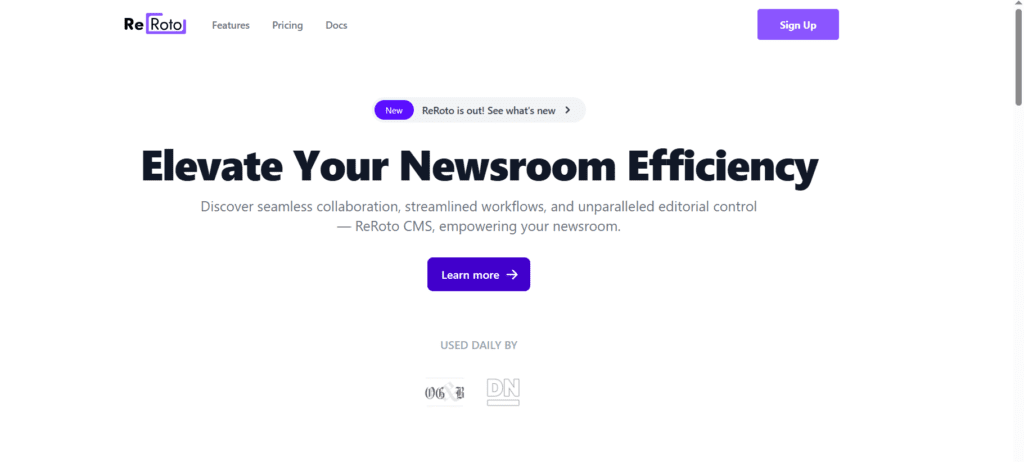
ReRoto is an AI image and video enhancement platform that restores, upscales, and improves media quality with one-click automation for creators and professionals.

4.6/5 editorial rating 853 upvotes
  • Main category: productivity
  • Subcategory: AI Productivity Tools
  • Pricing: Freemium
  • Web
  • Best For Photographers, storytellers, content creators, video editors, archivists, and anyone needing professional media restoration
  • Free Trial Yes
  • Reviewed By arbaazkhan
  • Last Updated March 24, 2026

Editorial note: ratings and verdicts on this page are internal editorial assessments, not third-party user review averages.

ReRoto Verdict

The Daily AI Tools team concluded ReRoto strikes an excellent balance between ease of use and powerful AI media restoration. It helps users quickly restore old photos, enhance video resolution, and improve clarity without manual editing skills, making it valuable for both personal and professional workflows. ReRoto is an ideal choice for creators who want strong AI quality without a steep learning curve.

What Is ReRoto?

ReRoto AI is an intelligent media enhancement platform that uses deep learning and advanced neural models to automatically restore, improve, and upscale images and videos. It analyses uploaded media to detect noise, blur, and low resolution, then applies AI-powered corrections to sharpen details, enrich colours, and raise overall quality without complex editing tools.

The platform offers features like one-click restoration, video upscaling to higher resolutions, face enhancement, colourisation of black-and-white media, and artefact removal, all through a simple browser interface. ReRoto’s automation means users don’t need technical skills; just upload and let the AI generate higher fidelity media.

ReRoto also supports batch and prioritised processing for paying subscribers, helping users manage large media collections efficiently.

Review Summary

  • Performance Score A
  • Content Quality High
  • Interface User-friendly
  • Ai Technology Deep Learning Upscaling, restoration, face enhancement
  • Purpose Photographers, Creators, archivists, marketers
  • Compatibility Web Browser
  • Pricing Summary Free tier with Subscription Models

ReRoto Key Features

  • 1

    AI Photo & Video Restoration

  • 2

    Noise & Artefact Removal

  • 3

    Web-Based Access

  • 4

    Smart Upscaling

  • 5

    Batch Processing

  • 6

    Credit & Subscription

  • 7

    Face & Detail Enhancement

  • 8

    Priority Processing

  • 9

    Colorisation

  • 10

    One-Click Workflow

Who Should Use ReRoto?

ReRoto is an AI image and video enhancement platform that restores, upscales, and improves media quality with one-click automation for creators and professionals.

Is ReRoto Worth It?

ReRoto offers a free starting point, while paid plans may make sense for heavier or team-based use.

Pros And Cons

Pros

  • Quickly improves photos and videos with automatic AI corrections
  • Designed for users of all levels, from beginners to pros
  • Raises quality without distortion or pixelation
  • Efficiently processes large numbers of files
  • Use free credits or upgrade for priority and commercial power

Cons

  • Full quality requires paid access
  • Not suited for frame-level manual editing
  • Severely damaged media may not fully restore
  • Fewer manual tweak options.

ReRoto Pricing

College

$120/ Month

  • In-App Writing/Editing
  • Article Scheduling
  • Version Control System
  • Audio Transcription
  • Error + Bias Detection

Professional

$200/Month

  • Email Management
  • Deep Viewer Insights
  • Subscriber System

Frequently Asked Questions